Loading
Initializing 0%
Powered by SCD AI STUDIO

Transform Your Video
in Real-Time with AI

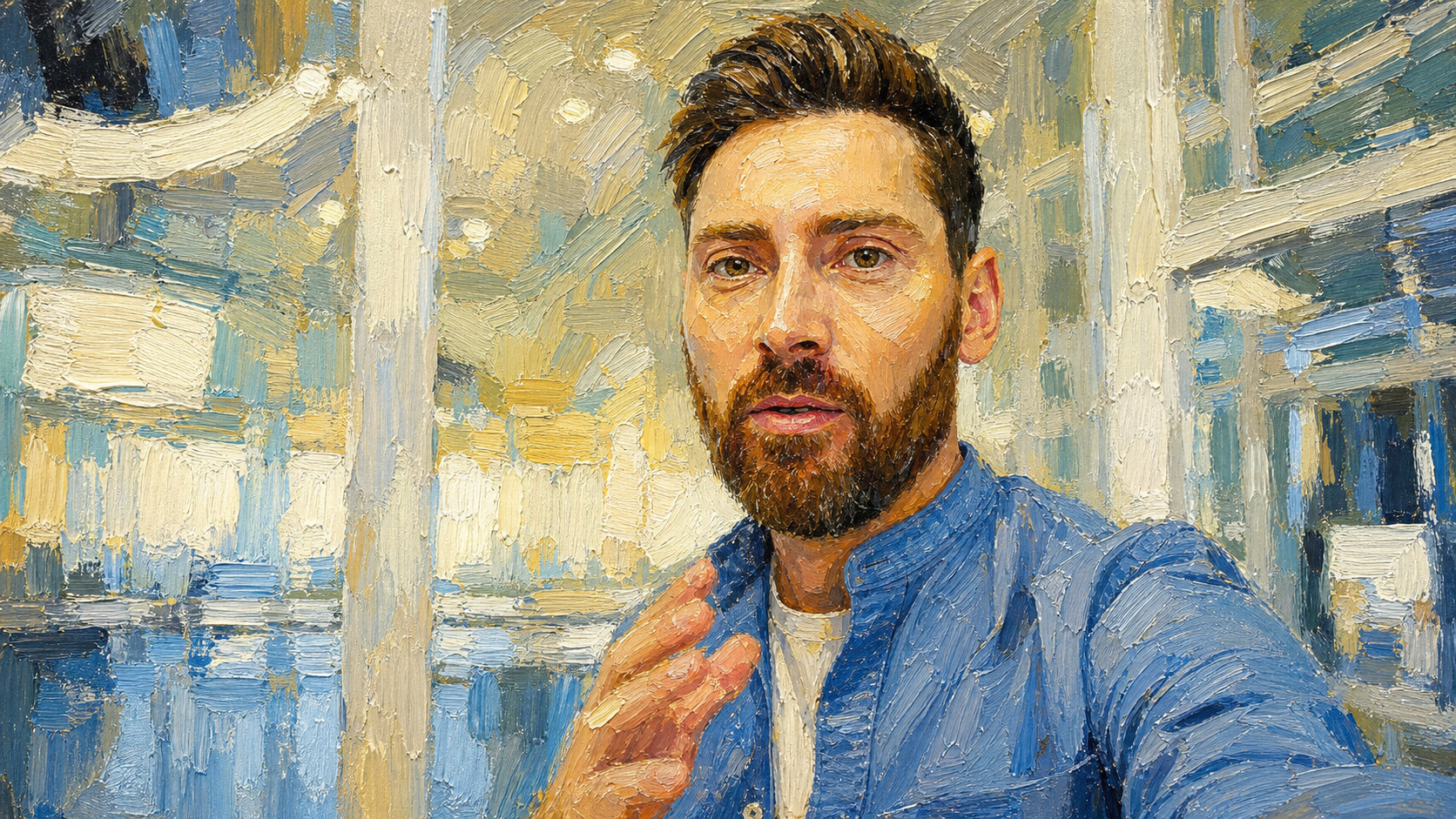
Turn your camera feed into anime, Ghibli, cinematic, and more — instantly in your browser. No downloads. No waiting.

6+
AI Models
<1s
Latency
720p
Resolution
30fps
Frame Rate
SCDai Studio — Live Transform
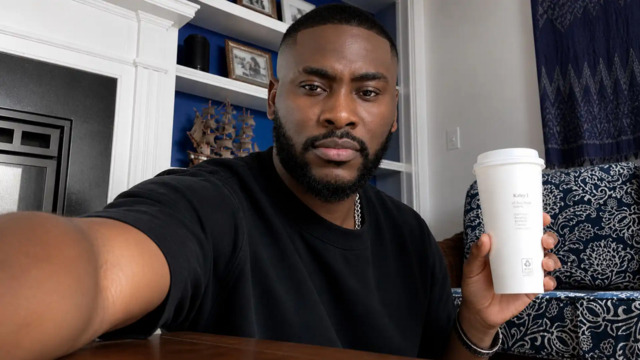
Input — Camera
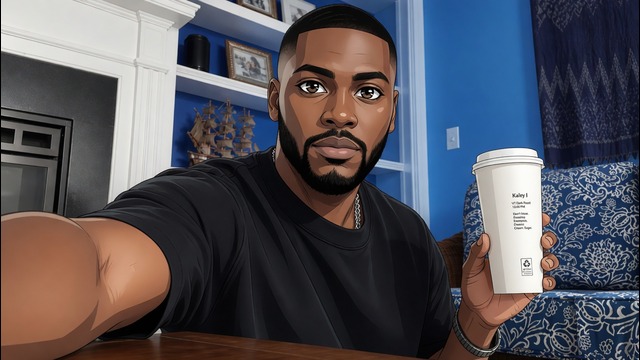
AI Output — LIVE
Compatible & Ready

Works with All Your Favorite Apps

Stream your AI-transformed video directly into any app that uses a camera.

Zoom
TikTok
LIVE
Telegram
WhatsApp
Google Meet
YouTube
OBS Studio
Twitch
Realtime Output
Instant AI video streaming with zero setup
No Extra Hardware
Works with your existing camera
OBS Output Ready
Private browser source output for streaming
Secure & Private
Your video data stays protected
STEP-BY-STEP TUTORIALS

WATCH full video tutorials on your dashboard... WATCH video tutorials

Master SCDai Studio in minutes! Comprehensive video guides and step-by-step walkthroughs are available directly inside your user dashboard. Learn how to route real-time AI video into OBS Studio, connect with TikTok Live Studio, Zoom, Telegram, WhatsApp Desktop, craft the best prompts, and achieve flawless live streaming results. Full video guides available inside your dashboard. Learn OBS integration, prompt crafting, and connecting live to Zoom, TikTok Live Studio, and more.

Explore All Dashboard Tutorials →
How It works

Three Simple Steps

Camera to AI-transformed stream in under 30 seconds.

1

Create Account

Sign up in seconds. Choose a credit plan. Credits never expire.

2

Choose Your Style

Pick anime, Ghibli, cinematic, cyberpunk — or type a custom prompt.

3

Go Live

Click Start. Your camera transforms in real-time. Share via PiP.

Built for Creators

Everything You Need, All in One Place

From campaign visuals to video ads, generate stunning content for marketing, advertising, and social media in minutes.

Sub-Second Latency

Real-time processing at 30fps. No delay between input and transformed output.

6+ AI Models

Scd Models 2.1, Restyle, STON — pick the perfect model for your use case and budget.

Browser-Based

No downloads or installs. Chrome, Edge, Firefox — any webcam works.

Reference Images

Upload a reference image to guide the AI for even more precise transforms.

Pay Per Use

No subscriptions. Buy credits, stream when you want. Per-second billing.

Referral Program

Share your code. Earn bonus credits when friends sign up.


Testimonials

Loved by Creators

Real feedback from our users.

"The real-time transform quality is incredible. My viewers love the anime style on my streams."
A
Alex Chen
Content Creator
"Pay-per-use pricing is perfect. I only stream a few hours a week and the costs are very reasonable."
S
Sarah Miller
Streamer
"Setup took less than a minute. No software to install. Just open the browser and go. Amazing."
J
James Park
YouTuber
Our Plans

Simple, Fair Pricing

Credits never expire. No subscriptions. Stream whenever you want.

Ready to Transform?

Create your free account and start streaming with AI in under a minute.

FAQ

Questions? Answered.

Everything you need to know before you get started. Still stuck? Our support team is a message away.

SCDai streams your webcam feed to our realtime AI model, which transforms your appearance frame-by-frame at 30fps. The output is sent back to your browser as a live video stream — no pre-recording, no delays. Everything happens in real time using WebRTC technology.
Live Studio transforms your live camera feed in real time — ideal for streaming or video calls. Transform is for uploading images or videos and applying AI styles to them. Both use credits, but Live Studio charges per second while Transform charges per file.
Every plan includes a set number of credits. Live Studio sessions consume credits per second of streaming (typically 2 credits/sec). Transform uses a flat credit cost per image or video.
We accept card payments via Paystack, cryptocurrency, and bank transfers via WhatsApp/Telegram. Card and crypto payments are credited automatically. Bank transfers are processed manually — usually within a few hours.
No. SCDai runs entirely in your browser — just a webcam and a stable internet connection. There's nothing to download or install. It works on Chrome, Edge, and Firefox on any desktop or laptop. We also SCDai Desktop for easy accessibilty.
Yes. Your video is streamed for real-time transformation and isn't stored or repurposed. SCDai uses end-to-end WebRTC connections. Your camera feed goes directly to the AI model and the transformed output comes back — nothing is saved on our servers.
Yes! Click the OBS Window button to open the transformed output in a separate browser window. Then use that window as a Browser Source in OBS, or share it as your screen/window in Zoom, Google Meet, TikTok Live Studio, or any other app that supports screen sharing.
We offer multiple models including Alice 2.5 (our latest and most capable), Alice 2.1 (faster, lighter), and specialized models for virtual try-on and restyling. Each model has different strengths — pick the one that best fits your use case. All models run at 720p resolution and 30fps.
Still have questions? We're happy to help.
Contact Support
Get in Touch

Contact Us

Have questions? Reach out through any of our channels. We'd love to hear from you.

Chat with Us
Contact us
Email
support@scdaistudio.com